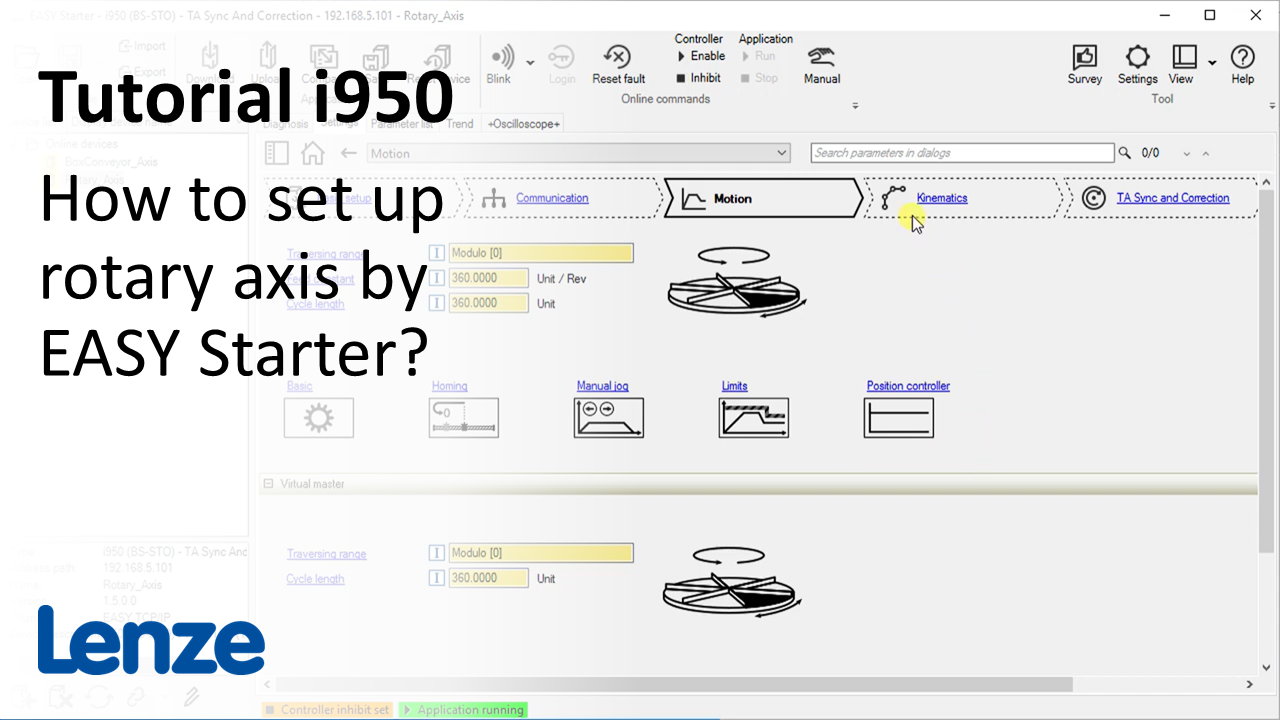
i950 introduction (part 3): How to set up a rotary axis by EASY Starter?

i950_SetupRotaryAxis_Thumbnail.PNG

Content:

  1. Set kinematic and motion parameters of technology application 'Sync and Correction'
    • Control mode to set motor feedback or additional external encoder for position control
  2. Overview of technology application tab
  3. Introduction and setup of virtual master
    • Set 'Virtual Master' as 'Master value source'
  4. Operating the axis by activating Internal control of virtual master
    • Jog virtual master by Internal control (dialog 'Manual jog VM')
    • Set target position of virtual master

Duration:
10:48 min​


Video:

Setup rotary axis by EASY Starter


Link list​:

Next video: How to run a motor manually using EASY Starter?

Previous video: Wiring


You will find more information about the Lenze training on the Lenze Website: Training Service


URL for linking this AKB article: https://www.lenze.com/en-de/go/akb/202400174/1/
Contact form