For visualization pages, there is the new menu item 'Assisted Positioning' in the context-sensitive menu 'Visualization'. This menu item has three sub-items:
No Assistance
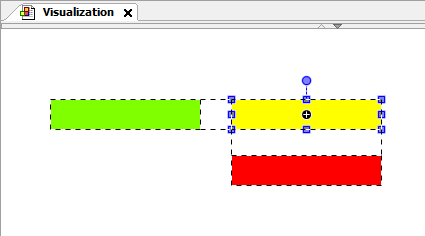
Snaplines *NEW When moving visualization elements, guide lines appear that show the distances to neighbouring elements and thus make it easier to align them.
Grid
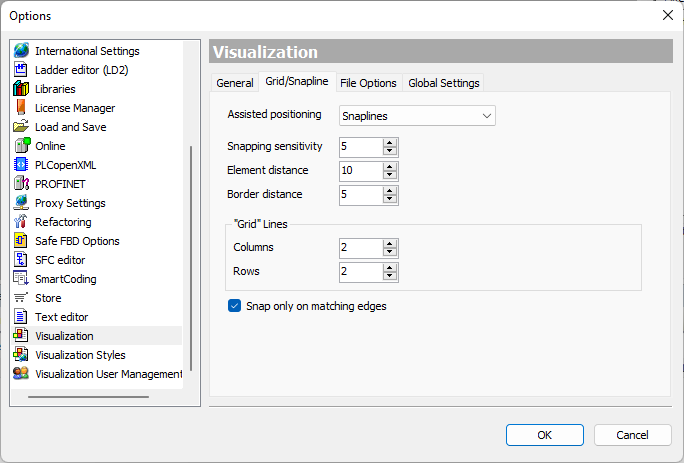
The support for positioning can be configured in the 'Options' dialog (menu 'Tools' > 'Options') (see category 'Visualization' > tab 'Grid/Snapline'.
Contained in the following products:
PLC Designer V4.0
Application:
The alignment of visualization elements to existing elements accelerates the creation of appealing user interfaces and reduces manual adjustment work.