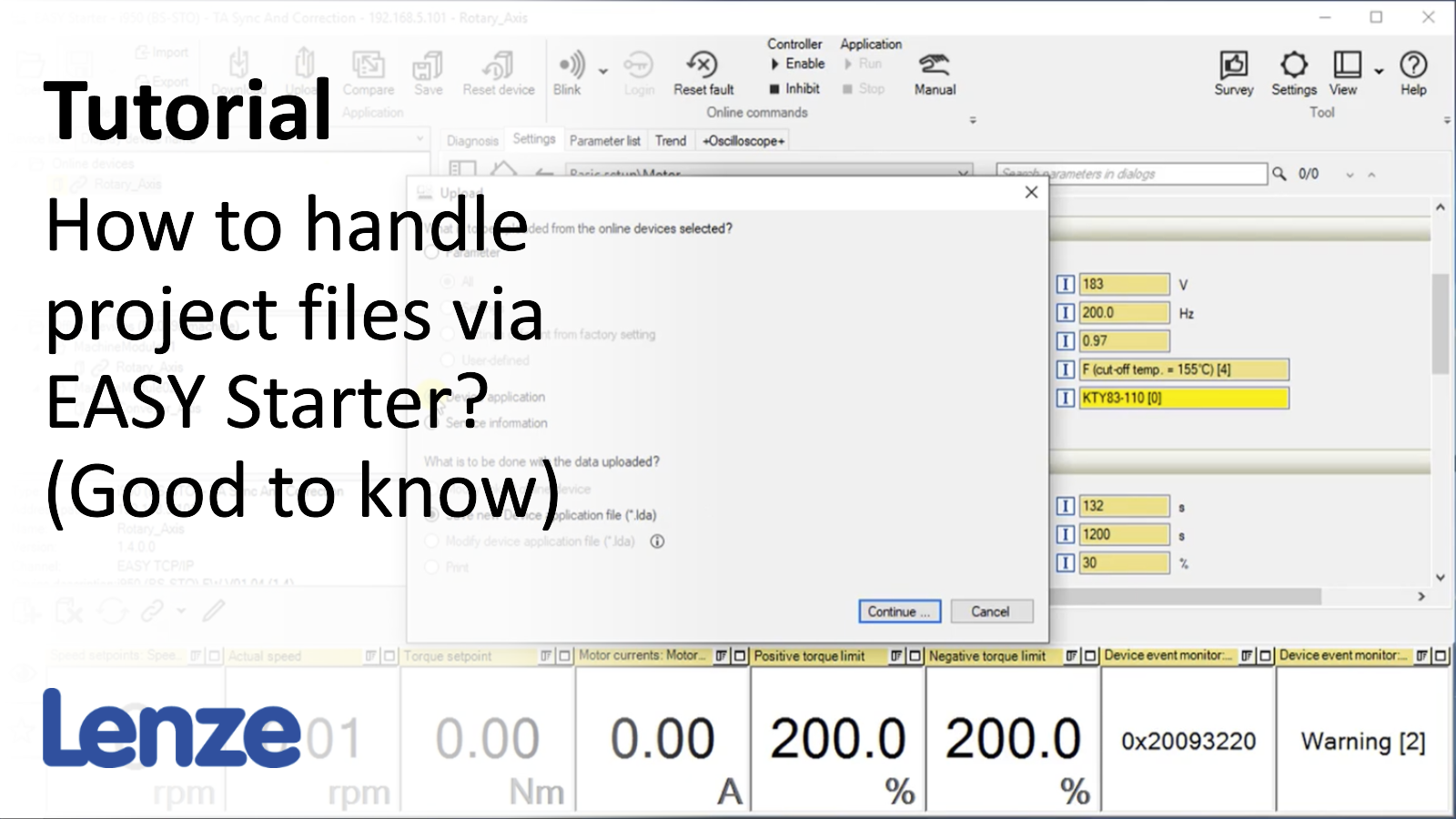
EASY Starter - handling project files (part 2): Change offline project and compare them

EasyStarter_ProjectHandlingPart2_Thumbnail.png

Content:

  1. Change an offline project and download the changes
    1. Open EASY Starter project
    2. Change parameter values in offline device
    3. Disk icon as a reminder saving the project on the PC
    4. Click on link button to go online with the device
    5. Download parameter to device
  2. Change parameter values online and save them into a file
    1. Change parameter values in online device
    2. Disk icon as a reminder saving the parameter set in the online device.
    3. Click on unequal symbol of the changed parameter to write value to offline device.
    4. Click Upload button to store the parameter set of the online device into the offline device.
    5. Save offline project.
    6. Alternative: Save uploaded Lenze Device Application into a new file.
  3. Compare parameter sets of devices
    1. Select offline device.
    2. Click on Compare button
    3. Select File radio button to compare with a different LDA file.
    4. Transfer detected differences to the offline device.

Duration:

08:08 min​


Video:

How to change offline project and compare them?


Link list​:

Previous video:  EASY Starter - handling project files: Create, save and open projects


You will find more information about the Lenze training on the Lenze Website: Training Service


URL for linking this AKB article: https://www.lenze.com/en-de/go/akb/202400161/1/
Contact form