How can the installation time for PLC Designer be significantly reduced?
Answer:
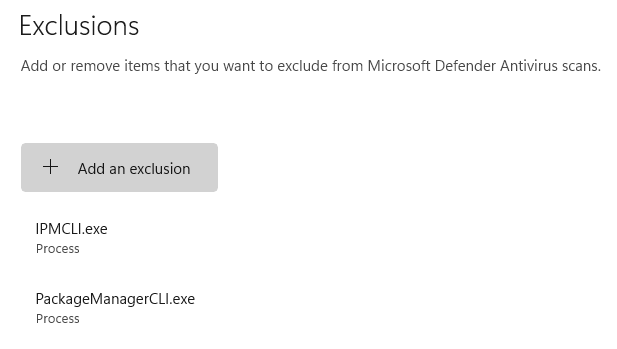
You can reduce the installation time for PLC Designer V3 and PLC Designer V4 by defining the processes 'PackageManagerCLI.exe' and 'IPMCLI.exe' as exceptions in Windows Virus and Threat Protection.
Before defining this exception, check with your IT department!
To configure the settings, proceed as follows:
Open the dialog box for configuring 'Windows Security'
Click on 'Virus & threat protection'
Under the 'Virus & threat protection settings' section, click on the 'Manage settings' link.
Under the 'Exclusions' section, click on the 'Add or remove exclusions' link.
Click on '+ Add exclusion'.
Select 'Process' from the drop-down list and enter 'PackageManagerCLI.exe' as the process.
Repeat this procedure with the process 'IPMCLI.exe'.