Fixed as of:
Package update via the EASY Package Manager as of November 4, 2026
Behavior of the new version:
The PLC Designer can be launched and used without any error messages.
Description of the behavior:
When PLC Designer V4.1 is launched, an error message appears:
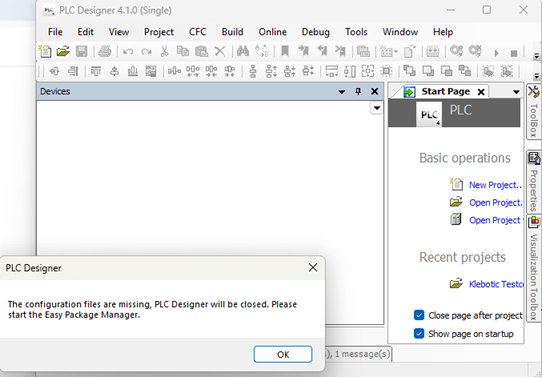
(The configuration files are missing; PLC Designer will close. Please start the Easy Package Manager)
Conditions under which the behavior occurs:
New packages were recently installed via the Easy Package Manager.
Affected products:
PLC Designer V4.1
Other versions of PLC Designer are not affected by this.
Short-term measures, recommendations, assessment:
Close all open instances of PLC Designer.
Launch the Easy Package Manager.
Search for all available packages.
The following message will appear:
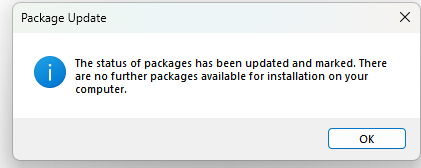
Afterward, you can restart PLC Designer V4.1 without receiving an error message.
[Automatic Translation]
