Function extension:
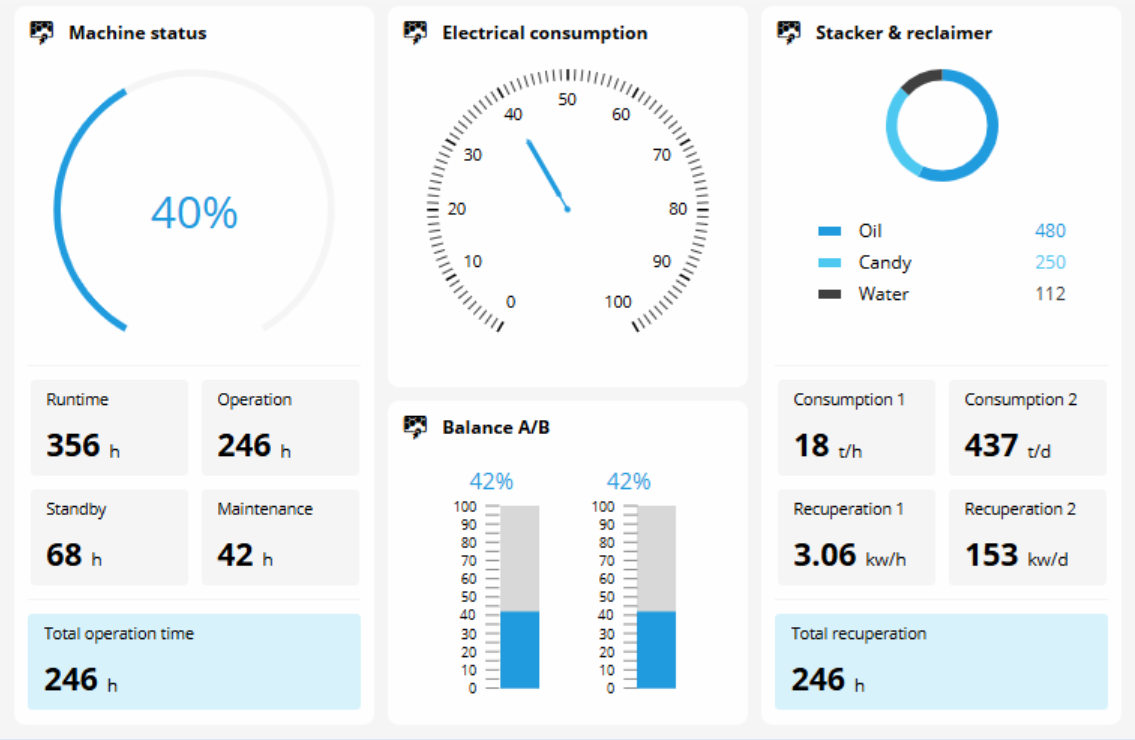
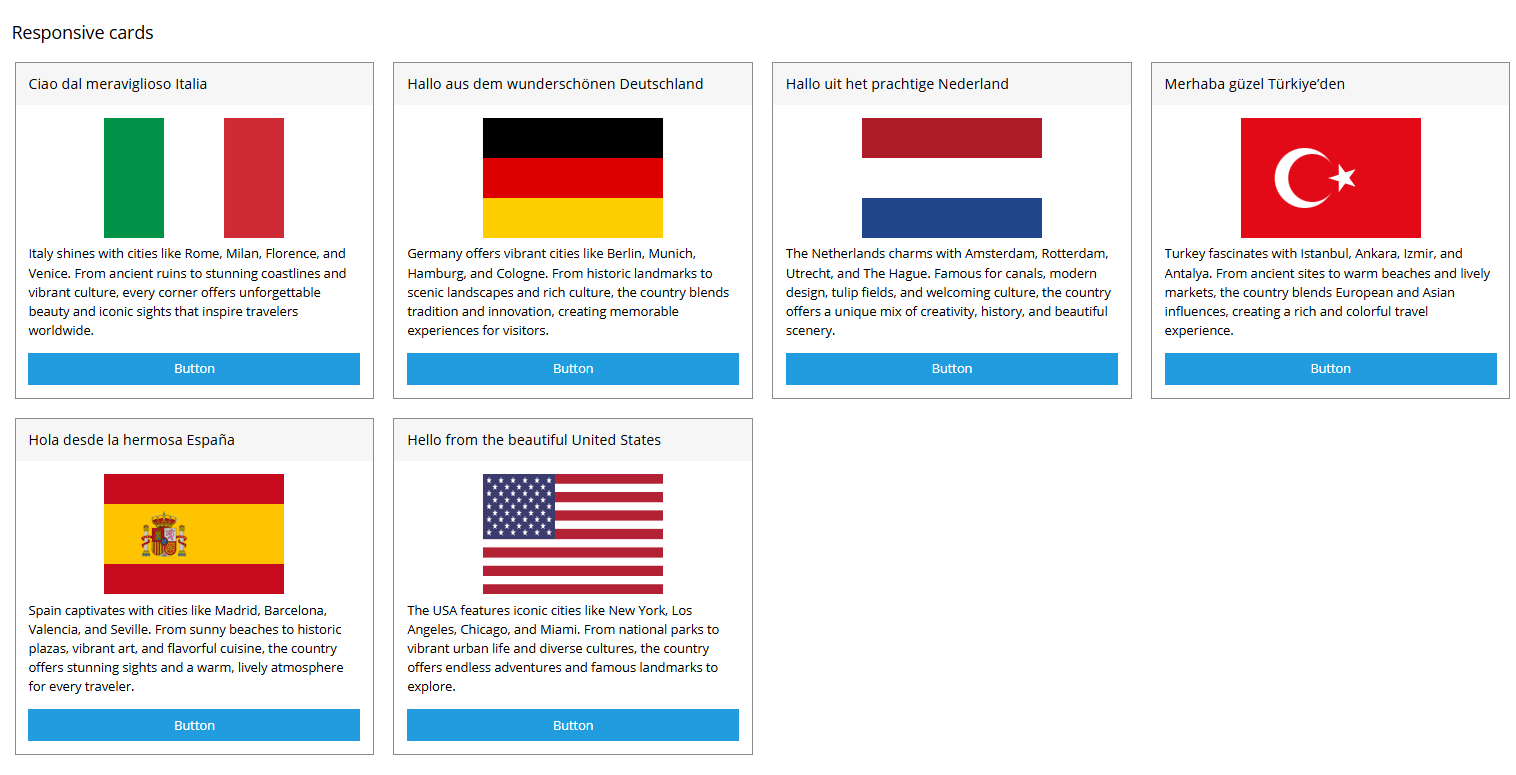
The new release includes two responsive templates with different design approaches. The dashboard is based on FlexLayout, while the cards view is based on CardsLayout. Both are available as both pages and views. You can either select them directly in the Project Configurator or integrate them into the project in EASY UI Designer via the "Add New Element" dialogue. The templates provide clear guidance for designing scalable visualization solutions and make it easier to get started. By using the templates, you benefit from more efficient workflows and consistent, future-proof designs.
Contained in following products:
EASY UI Designer V1.9
Application:
- For new projects, the new "Dashboard" and "Cards" templates can be selected in the client project under Display > Configure and in the respective Pages or Views tabs in the Layout Templates category.
Note: Since both templates are designed for the configuration of responsive visualization projects, they are only available in the Project Configurator for projects with a “Responsive” menu. - For existing projects, these templates can also be used in the EASY UI Designer via "Add New Element."
They can be found under - Pages > Layout > Responsive or
- Views > Layout > Responsive
[Automatic Translation]
