Functionality extension
Starting with EASY UI Designer 1.8 in combination with Controller Runtime V1.15, compatibility between the Visu project and the controller is checked.
On the one hand, this is done with regard to the firmware in order to receive immediate feedback in the event of incompatibility and thus limited functionality. On the other hand, the target device is also checked in order to prevent errors due to different restrictions (e.g., number of variables) in this context as well.
Included in the following products;
EASY UI Designer V1.8
FAST UI Runtime V1.15
Application
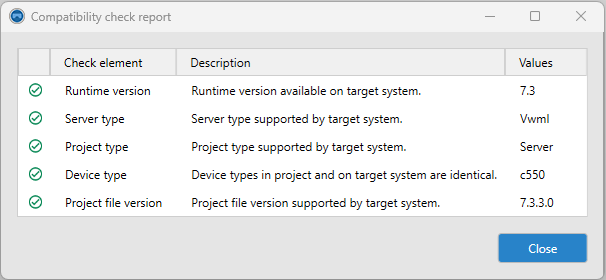
After successfully connecting to the target device, the compatibility check is performed. The result of this check is summarized in a status report for each client and server project.
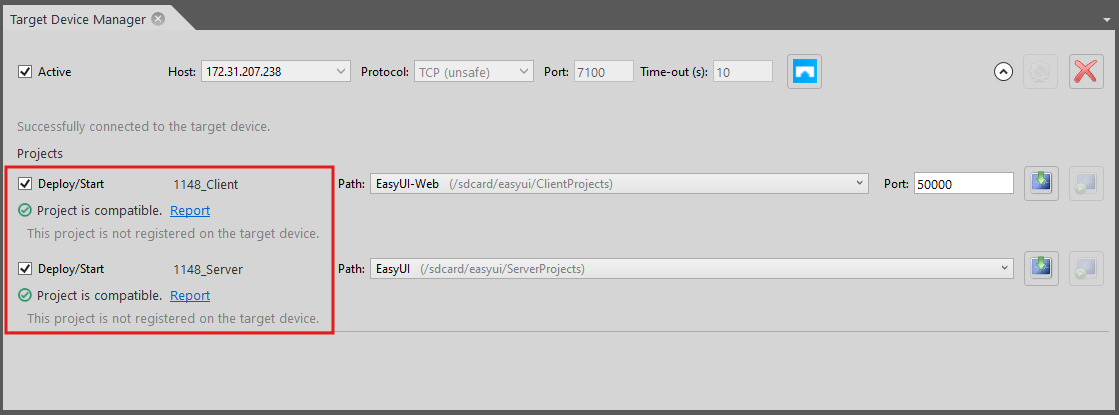
All previous client projects should be compatible, so this comparison should normally be positive.
In the case of server projects, incompatibility may occur, for example, due to older controller firmware (recognizable by the project file version), or the project may have been configured for a different target device (device type). In the first case, the firmware must be updated; in the second case, the project can be adapted using the project configurator ("Change target device").