Why is a DDS project not opened properly with a double click from Windows Explorer?
Answer:
Double clicking a DDS project starts the development environment, Drive PLC Developer Studio (DDS), and opens the clicked project automatically.
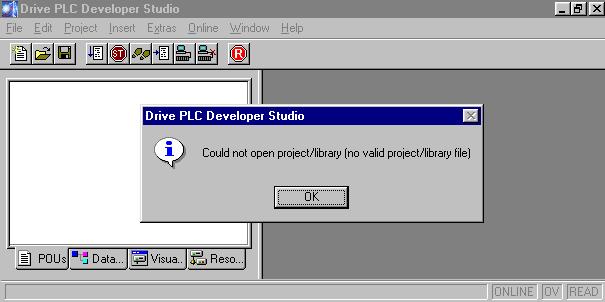
If when opening the project the following message appears:
Project/library cannot be opened (not a valid project/library file)
(see below), it may be due to the fact that the project name is too long.
DDS can only administer project names (file name including path name) with up to 127 characters. This means that even if the file name of the DDS project is shorter than 127 characters, it is possible that the project cannot be opened because the project file is located in a deeply nested directory.
Remedy:
1. Copy the project into a different directory which can be reached via a shorter path.
2. When the Drive PLC Developer Studio development environment has been started, the project can be selected and opened via the menu File => Open....