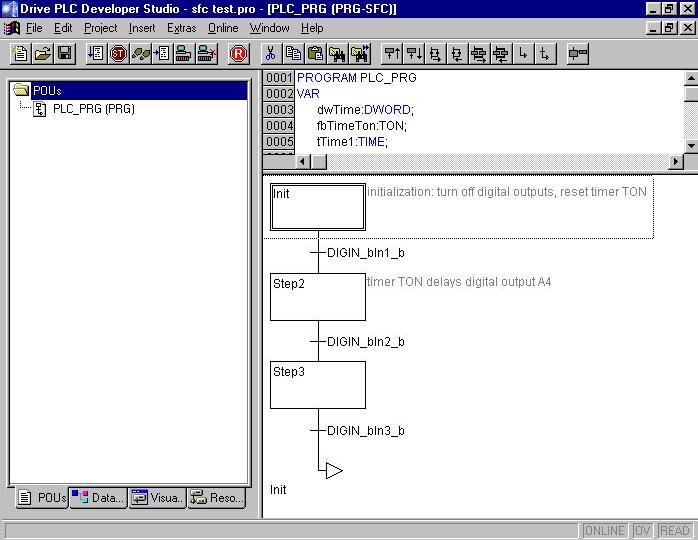
Insert comment on a step in sequence function chart
Question:
How in DDS can a comment be inserted for a step in sequence function chart?
Answer:
In DDS the commenting function 'default' is deactivated for sequence language (SL). To activate the comments: in the menu bar select 'Extras' => 'Options' => in the box 'Options Sequence Language' under 'Display at step' => select 'Comment'. When 'Comment width' is entered the space made available for the comment can be defined.
To enter the comment itself select the step with the mouse, then in the menu bar => select 'Extras' => 'Step Attributes...' and enter the comment in the opening box – it then appears in light grey letters just to the right of the step.