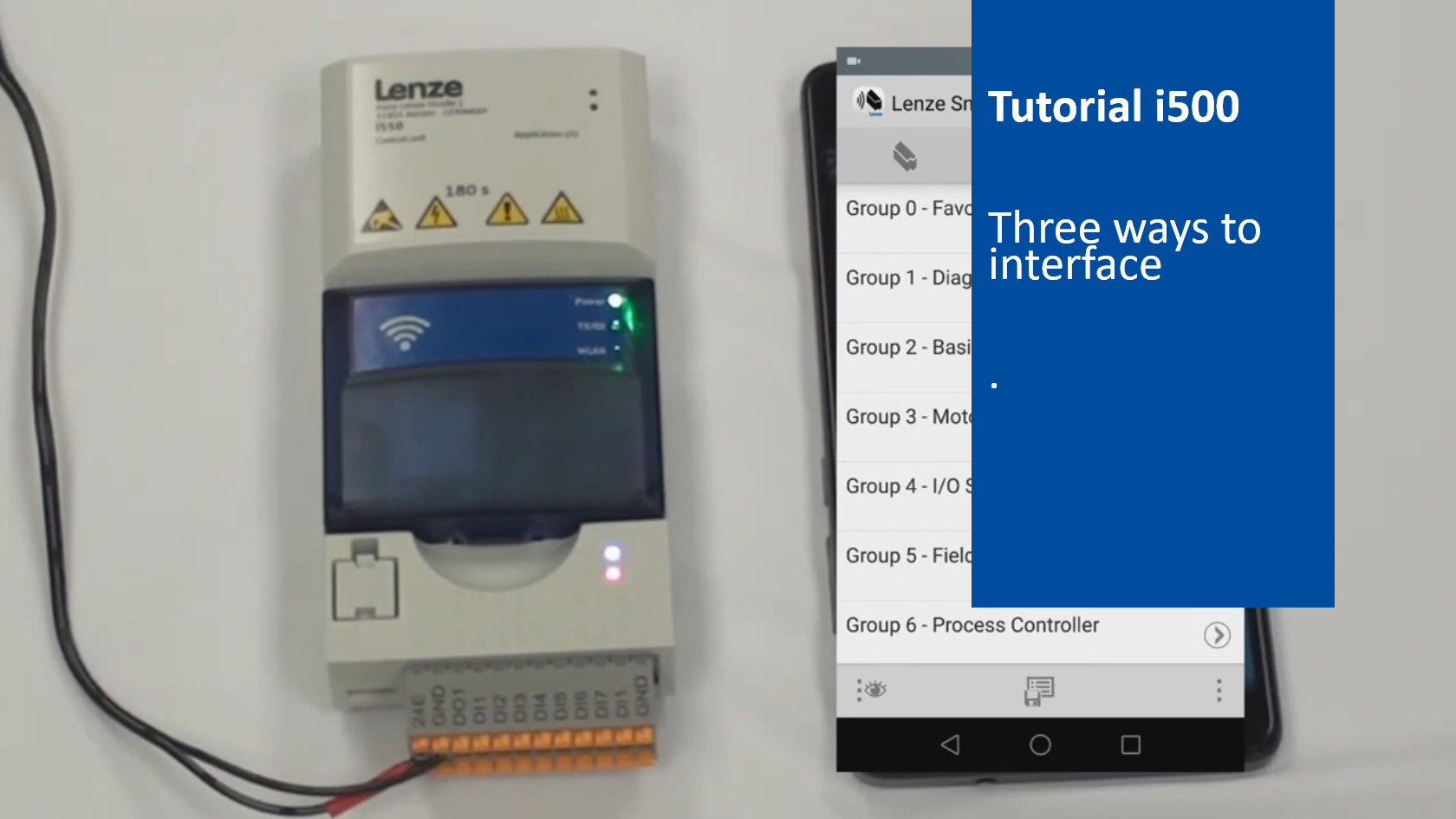
i500 introduction (part 1): Three ways to interface

i550_WaysToInterface_Thumbnail.png

Content:

  1. USB module
    1. Connect module with PC using a micro USB cable
  2. Keypad
    1. Plug in the keypad into the frequency inverter
    2. Connect 24V power supply
  3. WiFi module
    1. Connect 24V power supply
    2. Plug in the WiFi module
    3. Install the app 'Lenze Smart Keypad' onto your mobile phone
    4. Change Wi-Fi settings of your mobile phone
    5. Connect to the i550 frequency inverter
    6. Start the app 'Lenze Smart Keypad'
    7. Check diagnostic tab
    8. Clear all errors
    9. Open the parameters tab
    10. Save parameter set

Duration:
3:46 min​


Video:

i500 - Three ways to interface


Link list​:

Next video: Terminal strip with default settings


You will find more information about the Lenze training on the Lenze Website: Training Service


URL for linking this AKB article: https://www.lenze.com/en-de/go/akb/202400191/1/
Contact form