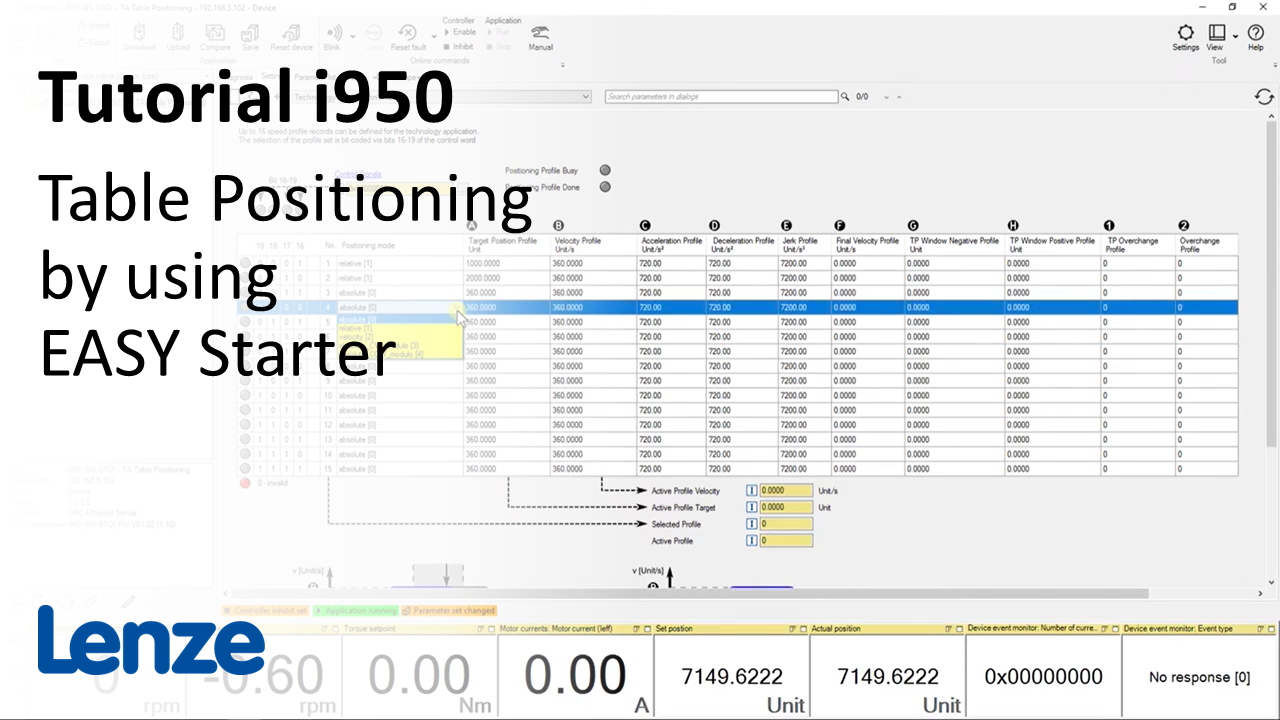
i950 introduction (part 5): How to do table positioning in i950 using EASY Starter?

i950_TablePositioning_Thumbnail.PNG

Content:

  1. ​Set technology application in tab 'Setting'
  2. Add suitable parameters in monitor area
  3. Parameterize positioning profile
  4. Controlling the drive internal interface
    • Activate Internal Control
  5. Jogging
  6. Homing
  7. Execute profiles

Duration:
5:08 min​


Video:

How to do table positioning in i950 using EASY Starter?


Link list​:

Next video: How to optimize and evaluate the i950 drive behavior?

Previous video: How to run a motor manually using EASY Starter?


You will find more information about the Lenze training on the Lenze Website: Training Service


URL for linking this AKB article: https://www.lenze.com/en-de/go/akb/202400186/1/
Contact form