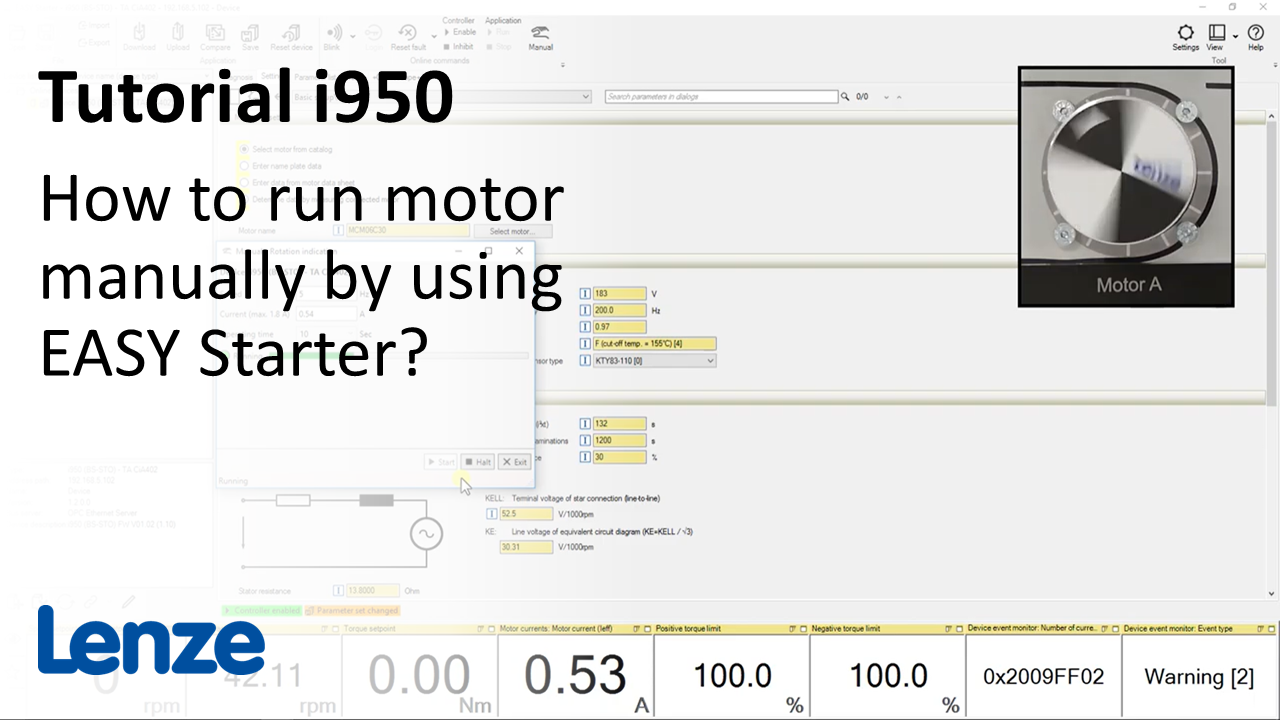
i950 introduction (part 4): How to run a motor manually using EASY Starter?

i950_RunMotorManually_Thumbnail.PNG

Content:

  1. Open the EASY Starter
  2. Set communication path
  3. Set motor data
    1. Open the option 'Motor' in the 'Setting' tab 
    2. Save parameter set
  4. Click on symbol 'Manual'
  5. Configure and start manual movement

Duration:
3:05 min​


Video:

How to run a motor manually using EASY Starter?


Link list​:

Next video: How to do table positioning in i950 using EASY Starter?

Previous video: How to set up a rotary axis by EASY Starter?


You will find more information about the Lenze training on the Lenze Website: Training Service


URL for linking this AKB article: https://www.lenze.com/en-de/go/akb/202400167/1/
Contact form