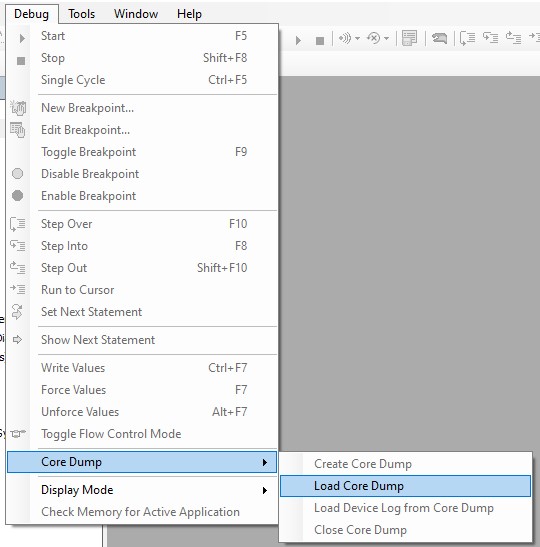
An exception can be caused, for example, by a division by zero, an access to an element outside an array, or even by an incorrect pointer assignment.
If an exception error has occurred in a PLC application, this PLC cycle can be saved as a core dump (memory dump of the application data).
A core dump is a memory dump of the application data. Runtime systems that support functionality automatically store a core dump on the controller in the event of an exception error. It is stored in a file <application name>.core in the application directory.
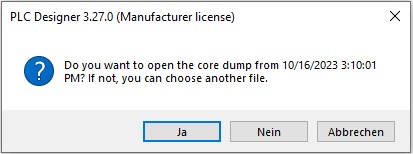
At a later time this core dump can be loaded again. This will display the online view of the PLC cycle where the exception error occurred.
If an exception error occurs while the controller is running and no PLC Designer is logged in, a core dump file is stored in the user_data folder on the controller . If this file is saved before the controller is switched off, it can also be used for later offline analysis.

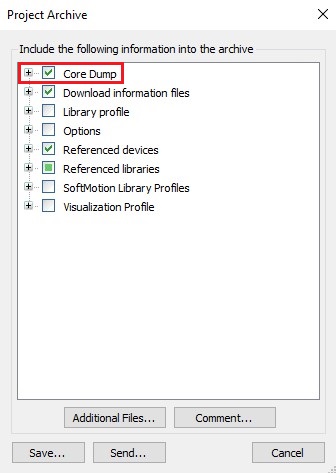
The PLC project can then be archived and sent for analysis purposes, for example. It is important that the compilation information and the core dump file match. So exactly the project must be used which was running on the controller at the time of the exception error. If a core dump file has been created, it will be displayed during archiving. However, this must be already in the folder on the hard disk in which also the PLC application is stored.
If one is logged in on the control with the PLC Designer, then no core dump file is stored on the control, but one can generate this file manually.
1. Exception error occurred

2. Create core dump (online)
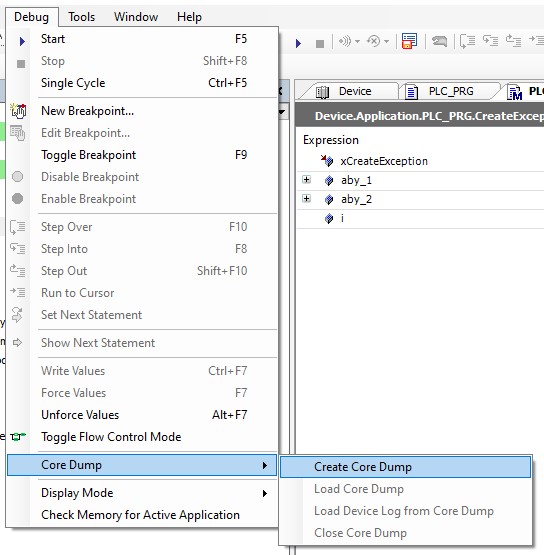
3. File with extension .core is created

Load core dump and view offline: