EtherCAT device scan for I/O modules connected to EtherCAT bus coupler
Question: How to proceed to scan the EtherCAT bus coupler and its I/O modules?
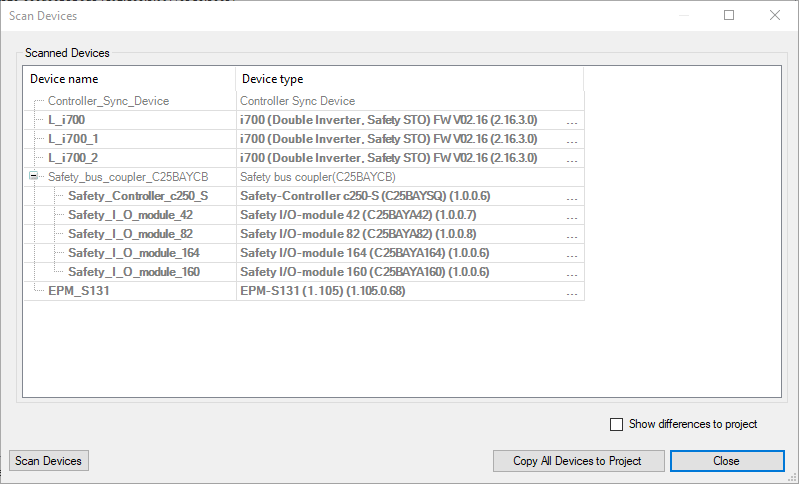
Answer: When scanning for EtherCAT devices with the PLC Designer, the first scan shows only the EtherCAT bus coupler but not the I/O modules connected to the bus coupler:
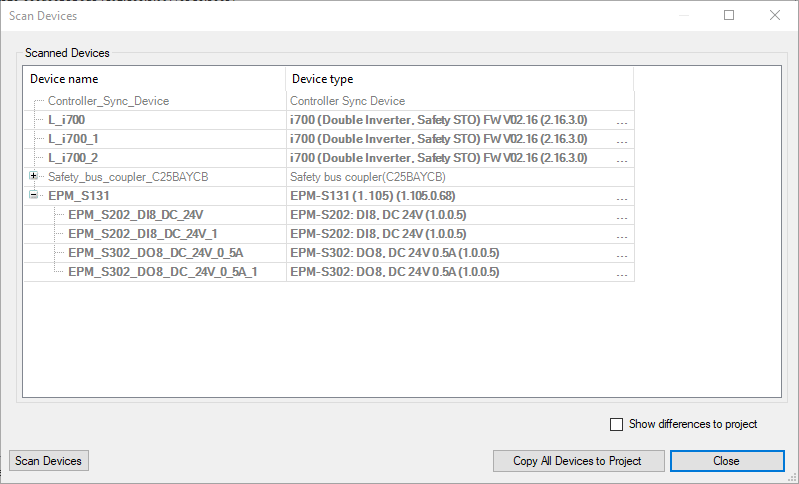
Copy all detected devices to the PLC project and download the project again. After a second scan also the I/O modules connected the bus coupler will become visible:
Nowadays it is possible to create a PLC Designer project from an export of the EASY System Designer. Most projects are created before the actual I/Os are available. So scanning for EtherCAT devices is rather a job for comissioning.