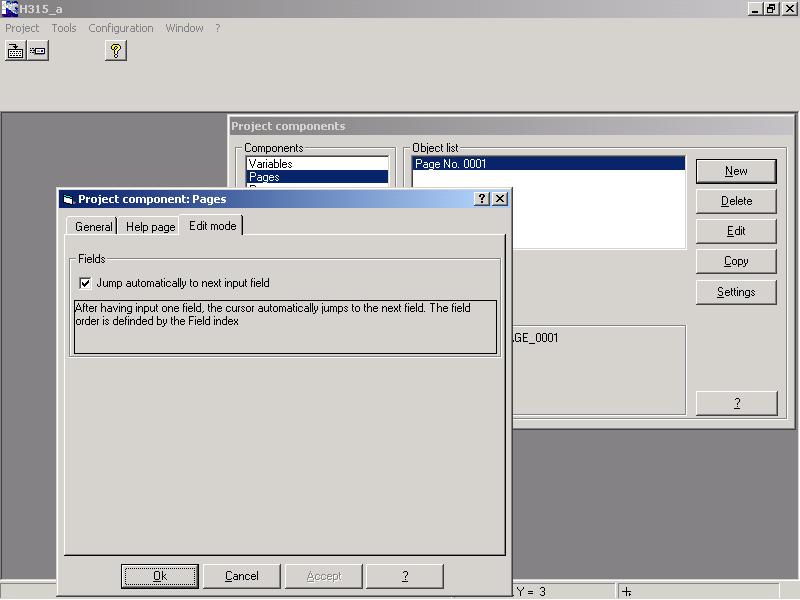
How can I activate the automatic jump to the next entry field? Wie aktiviert man das Automatische Weiterspringen zum nächsten Eingabefeld?
Answer:
One of two edit modes can be chosen for every page of the operating unit. After the entry in a field ...
... the cursor remains on the current field (teach application);
... the cursor jumps automatically to the next field (parameterising application). The sequence of the field is defined by the field index.
If you create a new page or select a page and click on <Settings> the window Project components Pages opens. Tick the register edit mode to activate the automatic jump to the next field.