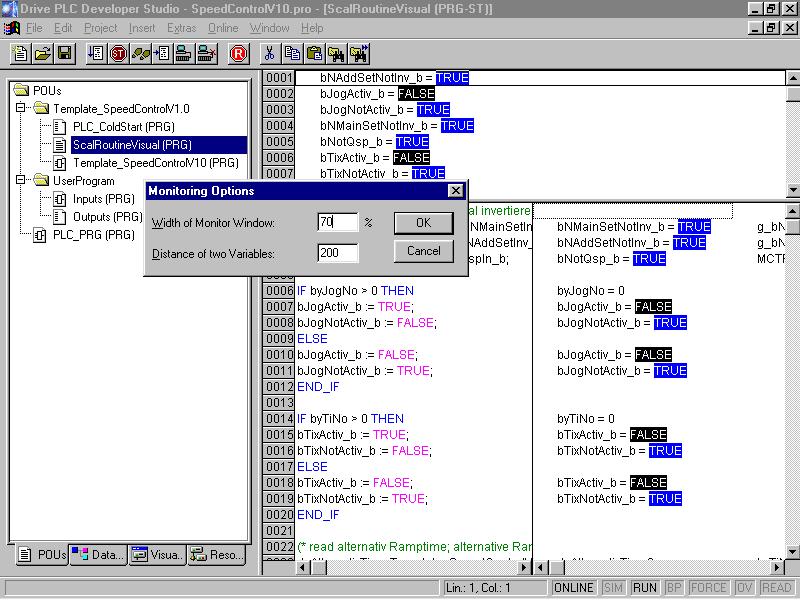
Can the monitoring window in the DDS be set individually in order to monitor variables and source code?
Answer:
Yes, the DDS offers the possibility to set the monitoring window individually. In menu Extras / Monitoring Settings in the Drive Developer Studio the monitoring window's breadth can be set by indicating a percentage. This percentage refers to the window breadth of the variables.
Moreover, the horizontal distance between two variables can be set. Thus, the horizontal scrolling for checking the variables, which are located more on the right side, can be avoided.