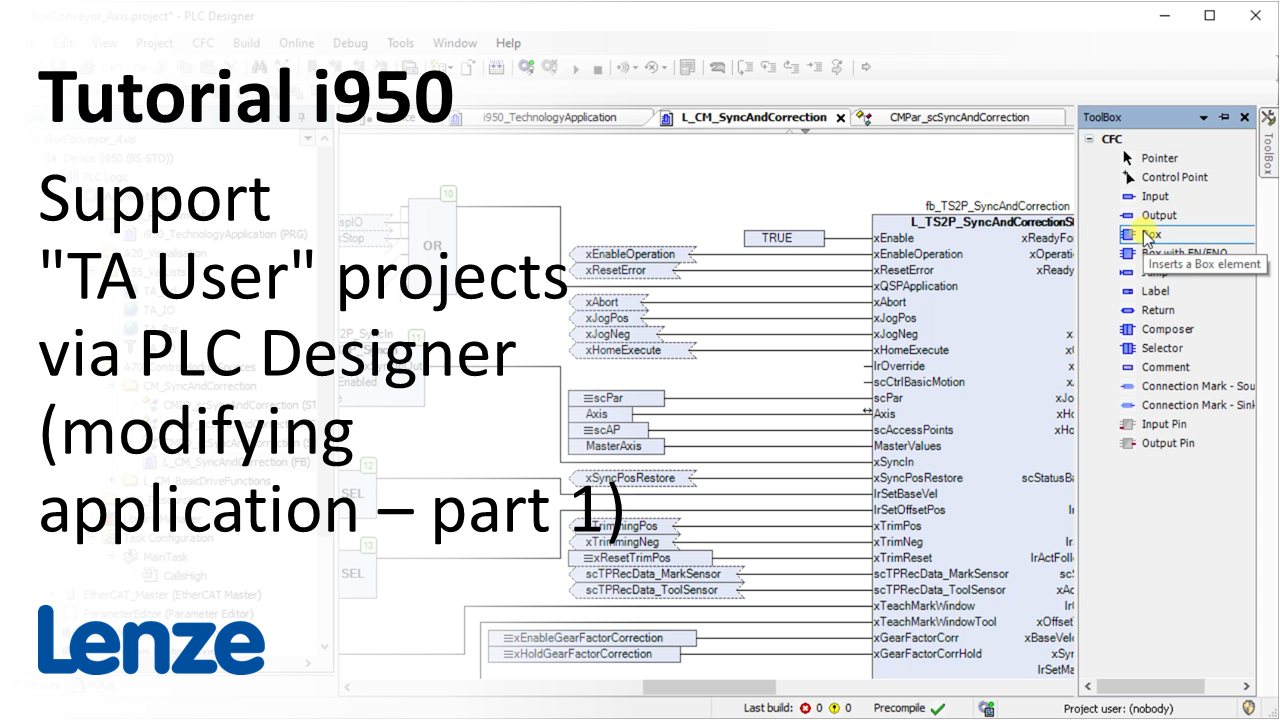
i950 introduction (part 10): How to modify a TA User? (I)

i950_ModifyUserTAPart1_Thumbnail.png

Content:

  1. Modyfing program parts
  2. Creating user parameters
    1. Prepared data structure for user parameter CMPar_xxx
    2. Add elements in this structure and use it in the Control Module
    3. Use ParameterEditor in the Device Tree
    4. Add in the TypeParameterEditor the parameter types for the new data structure elements 
    5. Configure the behavior and view of these parameters 
    6. Assign the parameters to the variables in the InstanceParameterEditor
    7. Application parameters in the Parameter list
  3. Creating user error messages
    1. Structure of the error code
    2. Create ErrorManagementTextList
    3. Use function block L_IE1P_ErrorSet
    4. Check logbook
Duration:

20:31 min​


Video:

How to modify a TA user? (part 1)


Link list​:

Next video: How to modify a TA User? (part 2)

Previous video: What is the basic structure of the technolgy application 'Sync and Correction'?


You will find more information about the Lenze training on the Lenze Website: Training Service


URL for linking this AKB article: https://www.lenze.com/en-de/go/akb/202400176/1/
Formulario de contacto