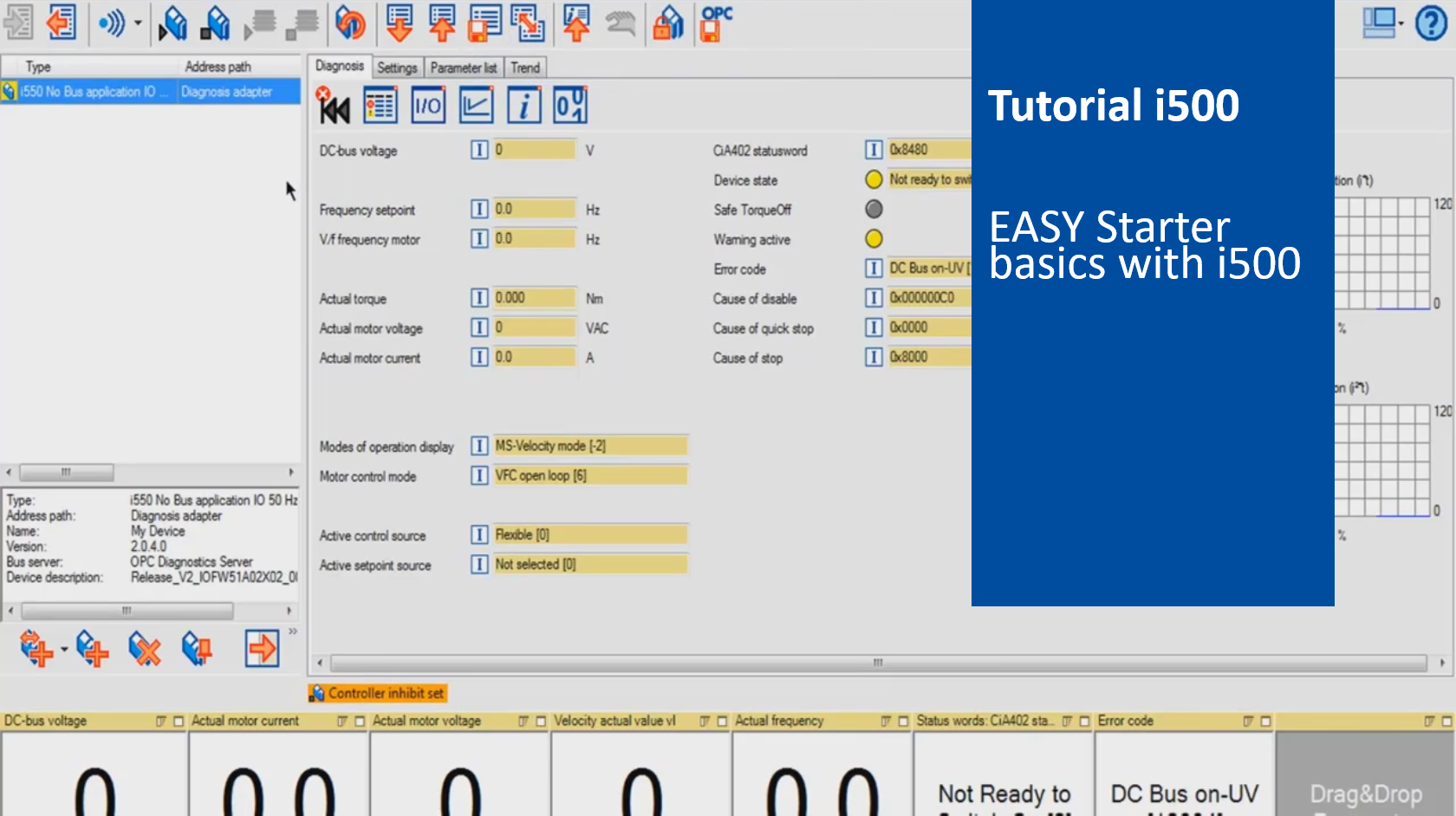
i500 introduction (part 5): EASY Starter basics with i500

i550_EasyStarterBasics_Thumbnail.png

Content:

  1. Download and install EASY Starter
  2. Connect i500 to EASY Starter
    1. Simulation mode of the EASY Starter
    2. Function of the symbol bar of the EASY Starter
    3. 'Diagnosis' tab of the i500
    4. 'Settings' tab of the i500
    5. 'Parameter list' tab
      • Edit favorites - Group 0
    6. 'Trend' tab to record parameter values
    7. Using parameter
      • Parameter set handling (upload, download, save)
      • Compare parameter sets

Duration:
7:18 min​


Video:

EASY Starter basics with i500


Link list​:

Previous video: Basic troubleshooting & diagnostics


You will find more information about the Lenze training on the Lenze Website: Training Service


URL for linking this AKB article: https://www.lenze.com/en-de/go/akb/202400192/1/

Further information

Formulario de contacto