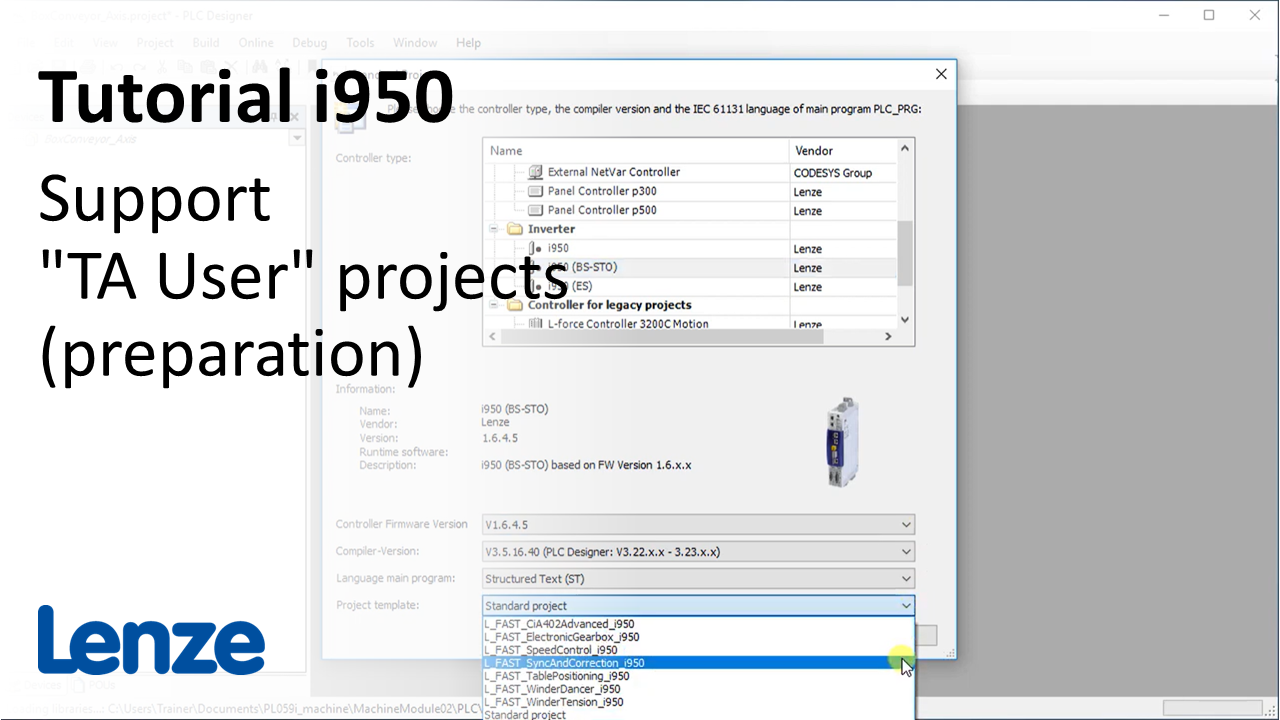
i950 introduction (part 8): How to create a TA User project?

i950_CreateTAUser_Thumbnail.PNG

Content:

  1. Select parameterizable standard technology application (TA) with EASY Starter 
  2. Use i950 template of a standard TA in PLC Designer
    1. Structure of the new project
    2. Set TA Identification
    3. EASY Export of the Lenze Device Application (LDA) file
  3. Open new LDA file with EASY Starter
    1. Link offline device with the online device
    2. Modify device name
    3. Download the complete application (LDA file) into the online device
  4. Data exchange between EASY Starter and PLC Designer
    1. Export/Upload parameter set (GDC file) with EASY Starter
    2. EASY Import the GDC file into the PLC Designer project
  5. Connecting i950 with TA User to Lenze controller
    1. EASY Export the device description (LPK file) with the PLC Designer
    2. Import the LPK file into the EASY Package Manager
    3. Start PLC Designer to install the new device description from the EASY Package Manager
    4. Add the new device description to the EtherCAT master

Duration:
11:14 min​


Video:

How to create a TA User?


Link list​:

Next video: What is the basic structure of the technolgy application 'Sync and Correction'?

Previous video: How to troubleshoot the i950 with the EASY Starter?


You will find more information about the Lenze training on the Lenze Website: Training Service


URL for linking this AKB article: https://www.lenze.com/en-de/go/akb/202400183/1/
Formulario de contacto