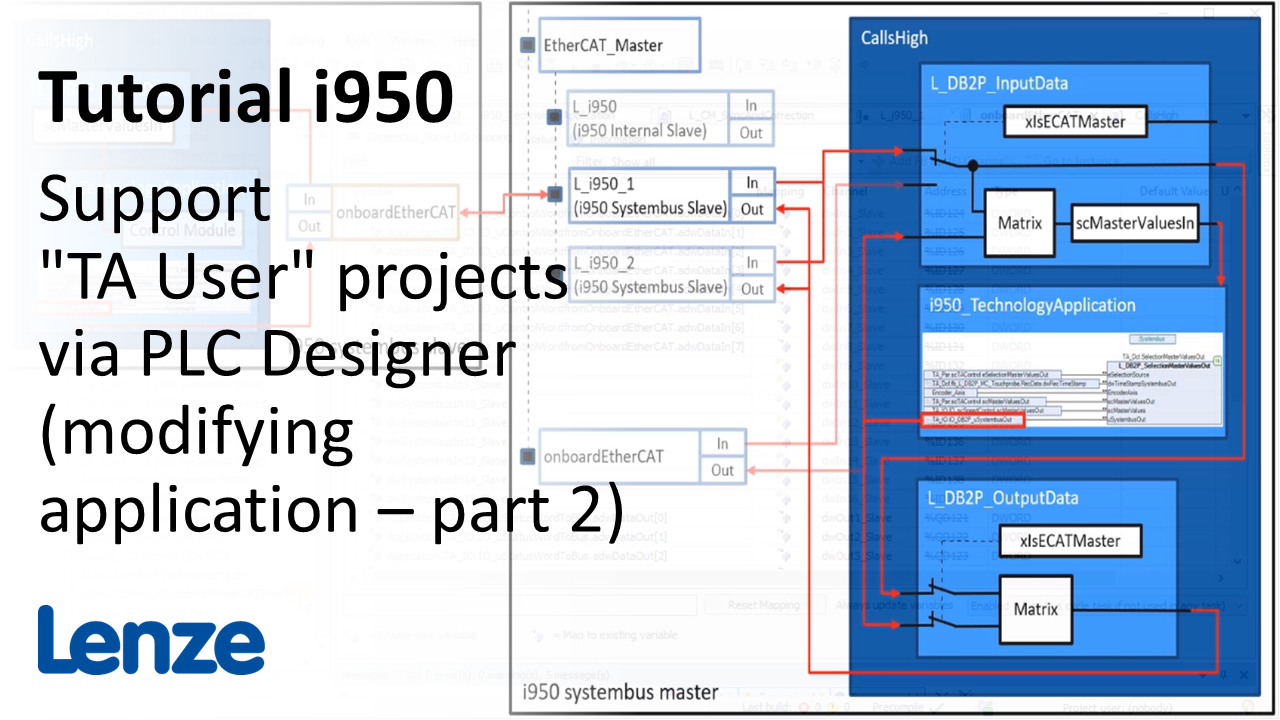
i950 introduction (part 11): How to modify a TA User? (II)

i950_ModifyUserTAPart2_Thumbnail.png

Content:

  1. ​Process data communication
    1. Vertical communication
    2. Horizontal communication
      1. Exchange of master values - Matrix
    3. Select communication via TA Interface Switch
    4. Method 'Call_Initialization'
  2. Extension of I/Os
    1. Activate 'Master' in the Interface mode.
    2. Restart device to activate the EtherCAT-Master function
    3. Disable not needed i950 EtherCAT slaves
    4. Add the buscoupler of the I/O system 1000 and its I/O modules
    5. Extend data structure for I/Os 'CMIO_xxx' and map them with the I/O system 1000
  3. Access of axis information
    1. Access parameter values with function blocks MC_ReadParameter and MC_WriteParameter
    2. Parameter attribute table of the i950 in the Online Help
    3. Parameter mapping with function block L_MC1P_CyclicParameterAccessWrite
    4. Read and modify machine data
    5. Access brake via function block L_MC1P_BrakeInterface

Duration:
18:09 min​


Video:

How to modify a TA User? (part 2)


Link list​:

Next video: How to setup the technology application 'Electrical Shaft'?

Previous video: How to modify a TA User? (part 1)


You will find more information about the Lenze training on the Lenze Website: Training Service


URL for linking this AKB article: https://www.lenze.com/en-de/go/akb/202400177/1/
Formulario de contacto