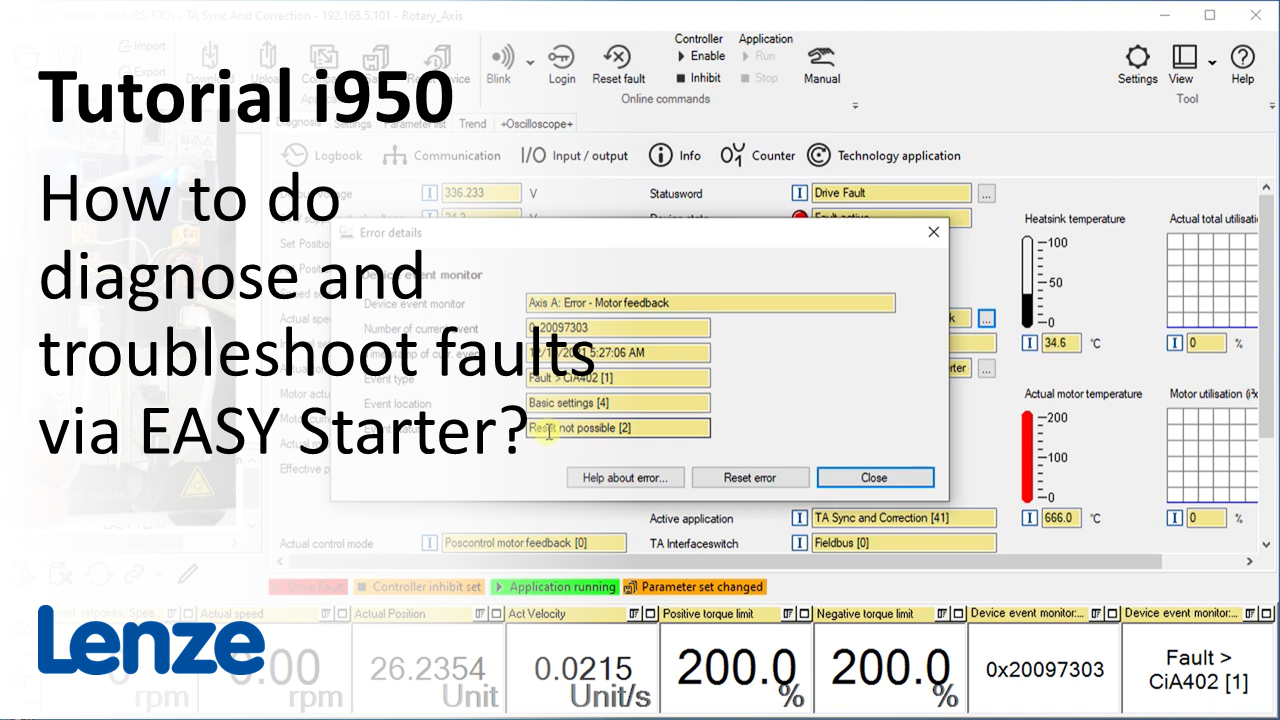
i950 introduction (part 7): How to troubleshoot the i950 with the EASY Starter?

i950_DiagnoseTroubleshoot_Thumbnail.PNG

Content:

  1. Diagnostics
    1. Error handling
      1. Monitor panel
      2. Diagnosis tab  - Error details
    2. Logbook of the device
      1. Filter the logbook
      2. Export the logbook
    3. Troubleshooting
      1. 'Input / output' dialog
      2. 'Technology application diagnosis' dialog
      3. 'Info' dialog
        1. Call 'Product info hub' in the Internet
      4. Reset error
  2. Monitor and favorites
    1. Drag&Drop parameter into the monitor panel
    2. Zoom out and maximize fields
    3. Monitor multiple device at the same time
    4. Export monitor configuration
    5. Drag&Drop parameter into the favorites
    6. Change parameter value in favorites
    7. Favorites in parameter list
    8. Save favorites in the device
  3. Start-up behavior of EASY Starter as service tool
    1. Restore device list from previous session
    2. Export connection list
    3. Call EASY Starter with batch file

Duration:
14:13 min​


Video:

Serivce and maintenance via EASY Starter


Link list​:

Next video: How to create a TA User project?

Previous video:How to optimize and evaluate the i950 drive behavior?


You will find more information about the Lenze training on the Lenze Website: Training Service


URL for linking this AKB article: https://www.lenze.com/en-de/go/akb/202400172/1/
Formulario de contacto