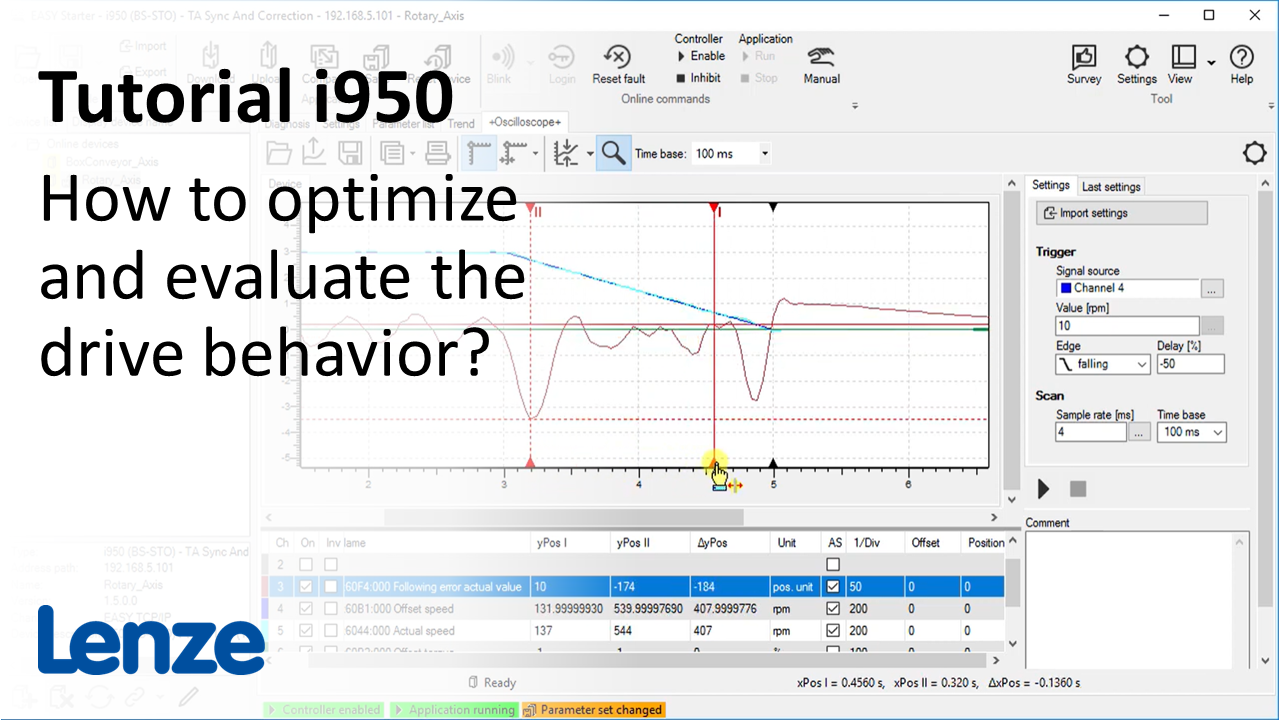
i950 introduction (part 6): How to optimize and evaluate the i950 drive behavior?

i950_OptimizeDriveBehavior_Thumbnail.PNG

Content:

  1. Optimization of speed and postion control loop
    1. Opening 'Motor control' dialog
    2. Set gain of speed and position controller
      1. Check stability indicator in 'Motor control' dialog
      2. Add load to the motor inertia with slider in the dialog
      3. Enter detailed information about the physical load
    3. Set reset time of the speed controller
  2. Evaluate drive behavior with the Oscilloscope of the EASY Starter
    1. Open the Oscilloscope tab
    2. Select the signal sources for the recording
    3. Import settings for the recording
    4. See AKB article 'EASY Starter Oscilloscope - i700, i950: Configuration templates (*.los) with signals for adjustment and optimization during motor commissioning'
    1. Set trigger
    2. Start and upload the oscilloscope recording
    3. Use the auto scale function and the zoom function to analyze the recording

Duration:
12:17 min​


Video:

How to optimize and evaluate the drive behavior?


Link list​:

Next video: How to troubleshoot the i950 with the EASY Starter?

Previous video: How to do table positioning in i950 using EASY Starter?


You will find more information about the Lenze training on the Lenze Website: Training Service


URL for linking this AKB article: https://www.lenze.com/en-de/go/akb/202400164/1/
Formulario de contacto