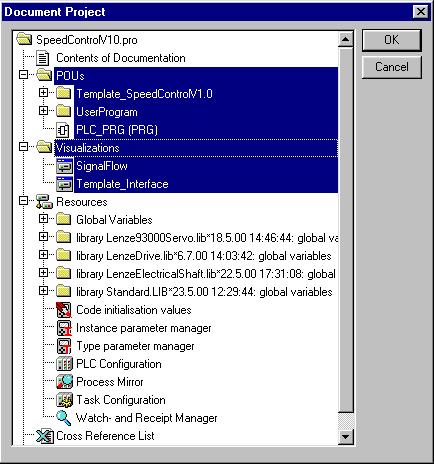
In the DDS a dialog box can be opened under menu item Document Project thus making it possible to print out the entire project or parts of the project.
Via a tree structure created in the Object Organizer of the DDS the project parts to be printed can be selected. In the example shown below the program part marked in blue will be printed out.