Function extension:
In the 'ApplicationTemplate PackML' and 'ApplicationTemplate (Standard)' project templates, a new 'MEL_scModuleName' structure has been added to all machine modules in the 'Structs' folder. In this structure, all error texts for the corresponding machine modules are centrally defined. For this, the 'AlarmHandling' structure element has been defined as an ARRAY in this structure. Each array element corresponds to an error text entry which can thus be completely created at the L_EATP_ErrorSet or L_EATP_Alarm_PackML function block. In the 'AlarmHandling' array, 8 error text entries are defined which have already been interconnected with the 'ErrorSet' or 'Alarm' blocks of the machine module.
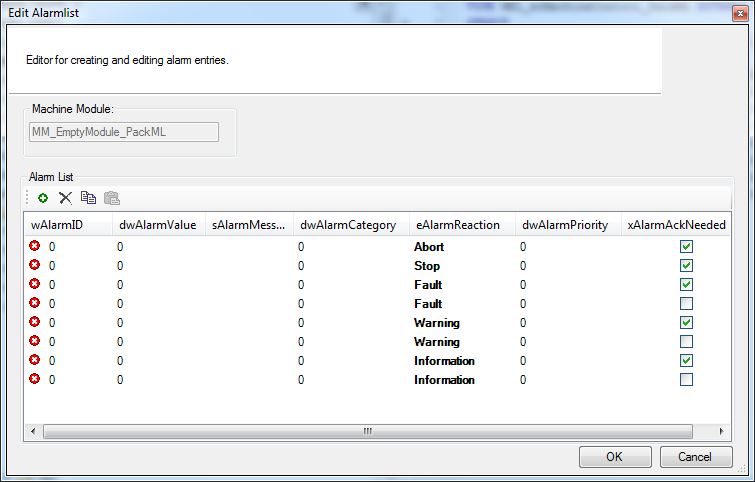
The error text entries can be conveniently created and edited via the 'Edit Alarmlist' dialog. To open the dialog, highlight the 'MEL_scModuleName' structure, click the right mouse button to open the context menu and execute the 'Edit Alarmlist' command.
Contained in which products?
PLC Designer V3.12
L_EATP_ApplicationTemplate library V3.12
ApplicationTemplate PackML project template V3.12
ApplicationTemplate Standard project template V3.12