Function extension:
Double-clicking on a project file or project archive automatically starts the PLC Designer Installer in the background. This checks which PLC Designer version was used to create this project file or project archive and automatically opens the project with this version, provided it is installed on the PC.
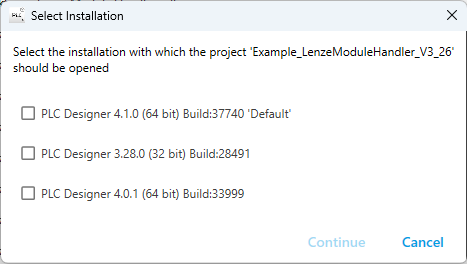
If the PLC Designer version with which the project was created is not installed on the PC, a dialog box appears in which you can select which installed PLC Designer version should be used to open this project:
Included in the following products:
PLC Designer Installer V4.1
[Automatic Translation]
